Simply Broadband Now Offers More Than 250 Step-by-Step Router Guides – Helping Kiwis Save Money and Reduce E-Waste
Setting up your broadband shouldn't mean buying a brand-new router. Simply Broadband now has more than 250 detailed, step-by-step router guides covering a huge range of manufacturers and models, helping customers get connected using equipment they may already have at home.
When it comes to switching broadband providers, one of the first questions people often ask is: "Will I need a new router?"
At Simply Broadband, our answer is often: probably not!
We've been busy expanding our online support resources and are delighted to announce that we now have more than 250 step-by-step router setup guides, covering a huge range of makes and models.
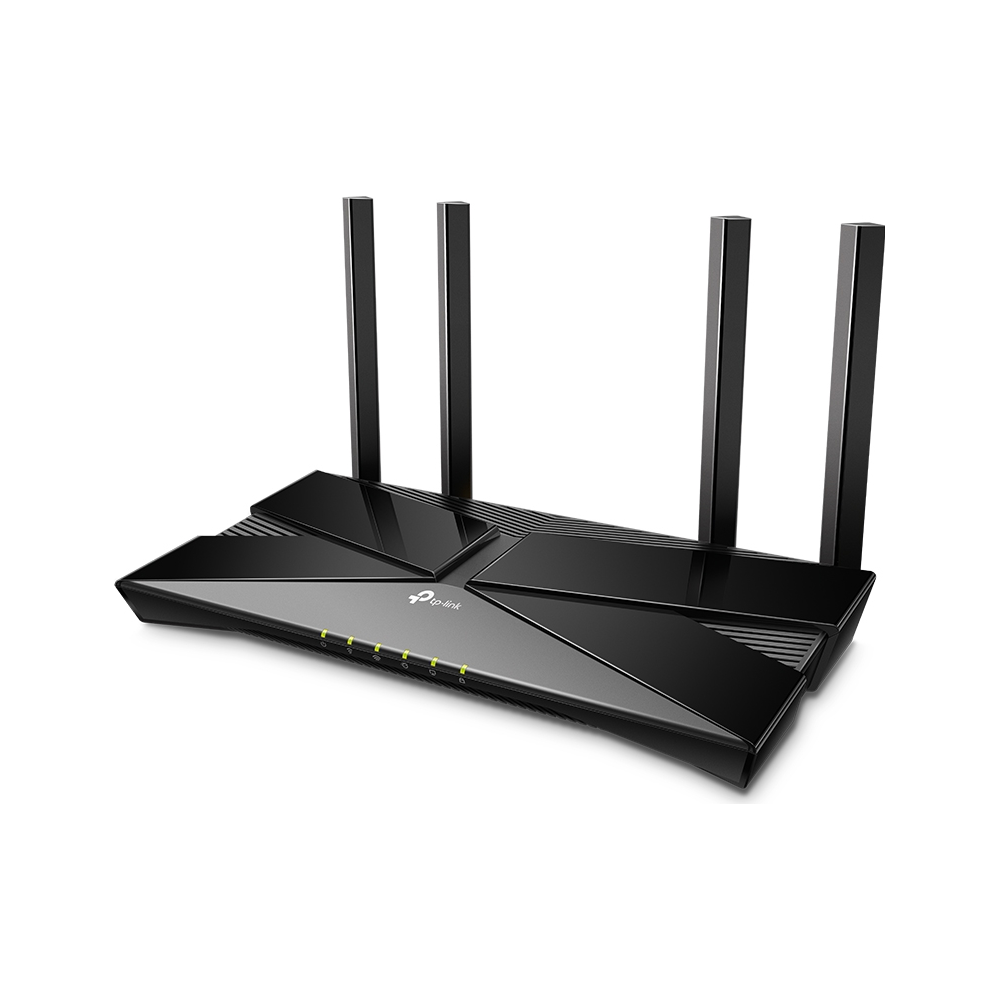
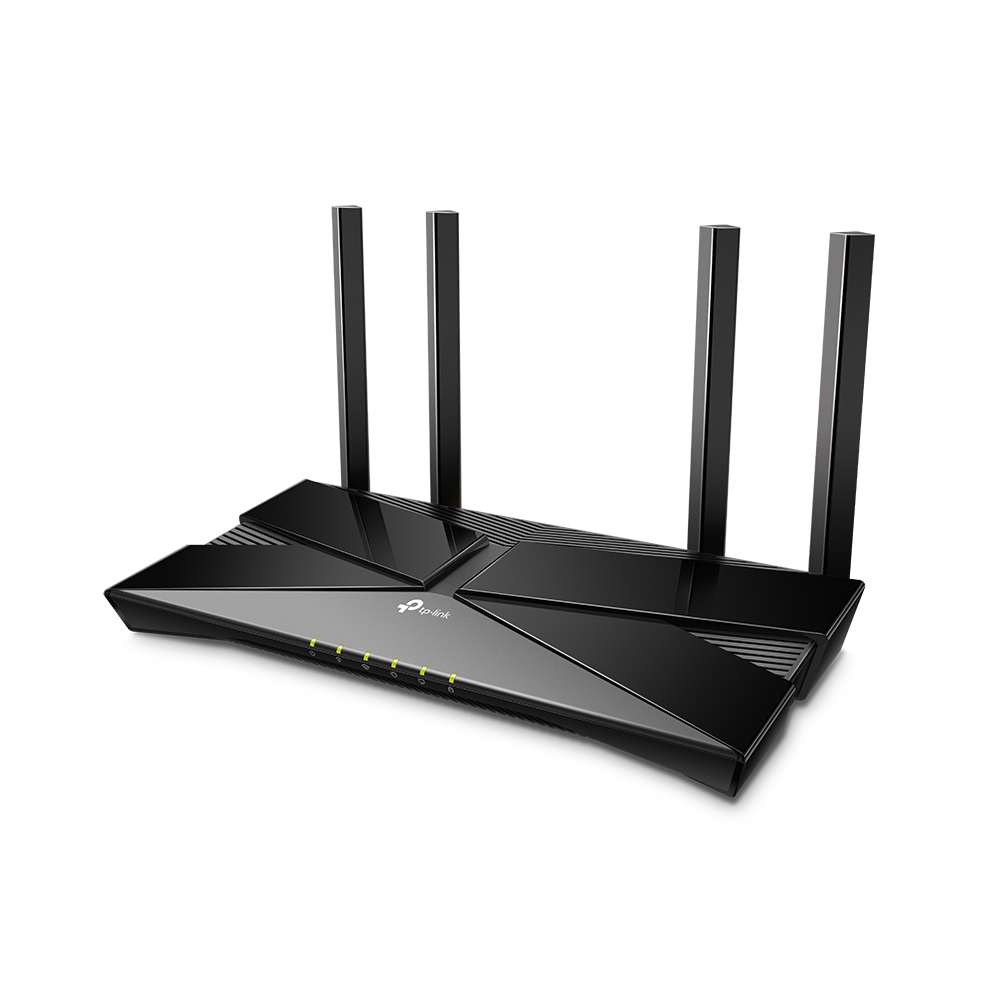
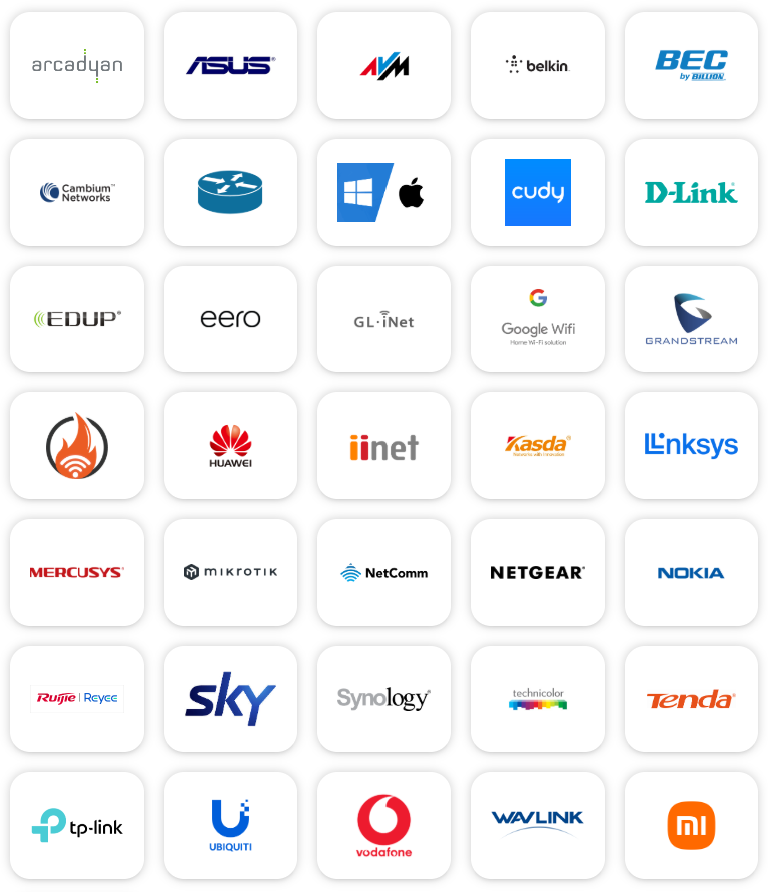
Whether you've got a TP-Link, ASUS, Netgear, D-Link, Huawei, Fritz!Box, or another popular router, there's a good chance we've got a guide to help you get it configured and connected.
Why buy a new router if your existing one still works?
Most households already have a router sitting at home, often from a previous broadband provider or an earlier connection.
Yet many people assume that switching providers means they need to purchase a new router.
That's not necessarily the case.
At Simply Broadband, we encourage customers to BYO (Bring Your Own) router wherever possible. If your existing router is compatible with our fibre network and supports the settings required for your connection, there's often no reason to replace it.
That means:
- Save money: Avoid spending $100–$300 or more on a replacement router unnecessarily.
- Reduce e-waste: Give your existing equipment a longer useful life instead of sending perfectly functional technology to landfill.
- Switch more easily: Keep equipment you're already familiar with.
- Less hassle: Avoid waiting for new hardware to arrive and setting up an entirely new device.
It's a win for your wallet and a win for the environment.
250+ router guides – we've got you covered
We know that router setup can sometimes feel a little technical, particularly when you're switching broadband providers.
That's why we've invested in creating detailed, easy-to-follow instructions to help customers configure their own equipment.
Our growing library now includes more than 250 router guides, with clear, step-by-step instructions covering everything from accessing your router's administration settings to configuring the internet connection.
Rather than leaving customers to search the internet for technical instructions, we're making it easier to find the information they need in one place.
Is your router compatible with Simply Broadband?
Before switching, it's worth checking whether your existing router will work with our service.
Most modern fibre-compatible routers that support the required WAN connection and internet settings should be suitable, but compatibility depends on the make, model and firmware.
Check out our router guides and see if your model is covered.
Browse Simply Broadband's Router Setup Guides
If you're unsure whether your router will work, our support team is happy to help point you in the right direction.
Better broadband doesn't have to mean more spending
At Simply Broadband, we believe customers shouldn't have to spend money unnecessarily just to get connected.
Our philosophy extends beyond broadband pricing. We want to make the entire experience simpler, from choosing the right fibre speed to getting your existing equipment up and running.
After all, why replace something that still does the job?
And remember, you don't necessarily need the fastest broadband plan either.
Pay for the speed you need, not what you're told you need.
Explore Simply Broadband's straightforward fibre plans, bring your own compatible router and enjoy better value broadband without unnecessary extras.
Simply Broadband – Simpler broadband. Smarter choices. Better value.